

There are more than 34 million Starbucks reward members, most of whom access their Starbucks account via a smartphone app (although some accounts are registered through a physical card). These accounts provide perks such as rewards and mobile ordering.
When a loved one dies, closing these sorts of retail memberships and reward programs protects their estate, reducing the risk of identity theft and fraud. (For a more in-depth guide, read "Settling an Estate: What Steps to Take After a Loved One Dies.")
This article will guide you through the steps for deactivating a Starbucks account after someone dies, even if you don't have the login information.
Key Takeaways
- You can deactivate a Starbucks account by using the app's "Request Account Deletion" feature or by contacting customer service at 1-800-782-7282.
- Any preloaded funds will be refunded by check, but rewards cannot be transferred and will be lost when the account closes.
- Have the account holder's name, email, date of birth, and phone number ready when contacting Starbucks. You may also need to provide a death certificate.
- Closing retail accounts after a death helps protect the estate from identity theft and unauthorized use.
{{blog-cta-financial}}
What Does It Mean to Deactivate a Starbucks Account?
Deactivating an account will ensure that it can't be used, either through the application or online.
The deactivation will refund any account balance and void any unclaimed rewards. You can also request that an account be “scrambled,” which makes any account information unusable and inaccessible moving forward.
How to Determine Whether Someone Has a Starbucks Account
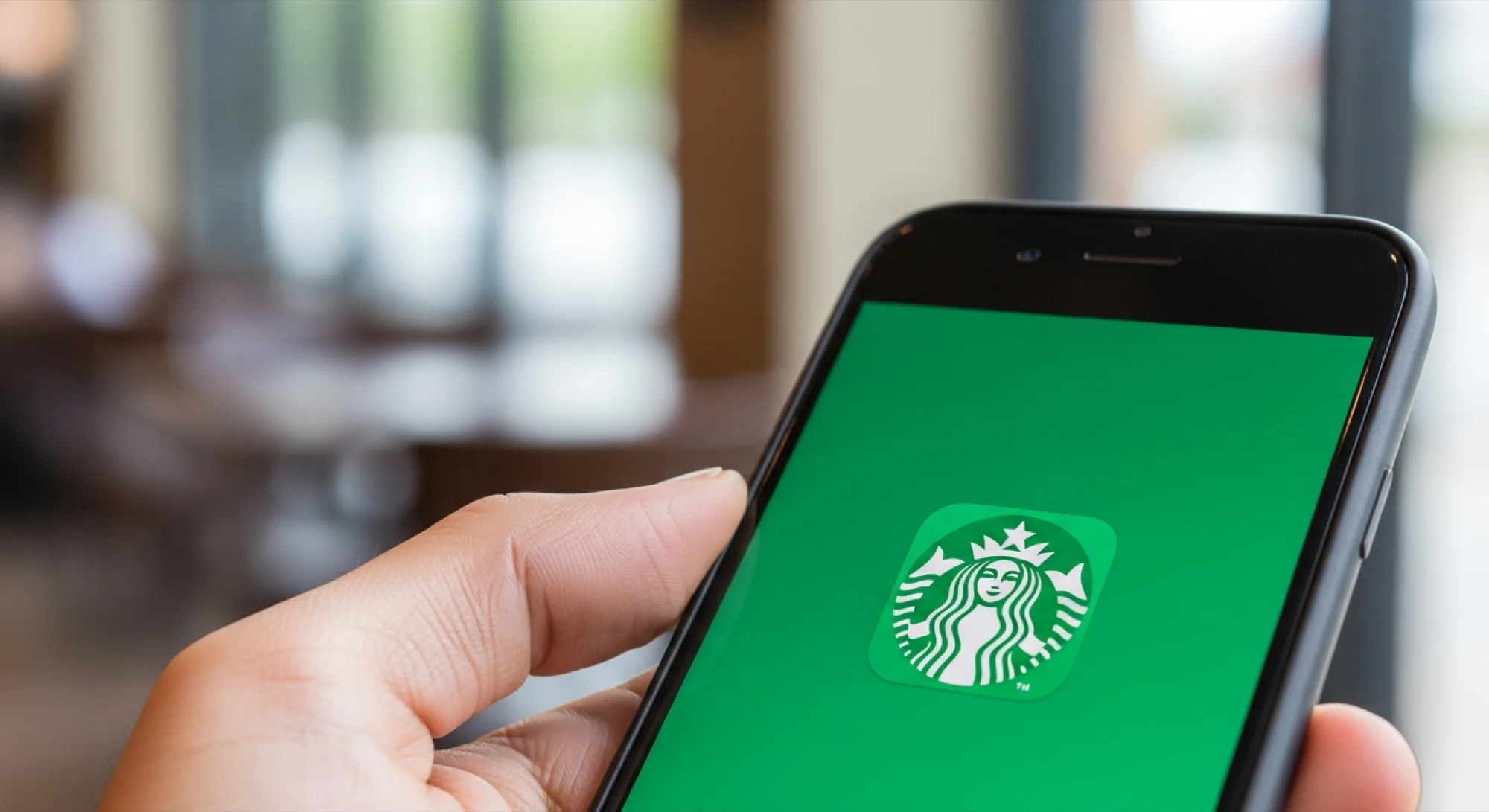
The easiest way to determine whether someone has a Starbucks account is to look through their phone for the Starbucks app, which will show up as the well-known white and green twin-tailed siren logo. Click on the app to see whether it's active or signed in. If the account is signed in, you can verify any account balance on the application under the account settings.
If the phone doesn’t have the Starbucks app, you can visit the rewards sign-in page online to confirm the account status. Under the sign-in options, you can choose the Forgot Your Password button and enter the deceased’s email address.
Starbucks will send instructions on resetting the password to the registered email address. If you can’t access your loved one’s email, you'll need to call customer service (we'll discuss this in a later section).
What Happens to Funds or Rewards on the Account?
Any preloaded funds on the account will be refunded to the account holder by check. Starbucks doesn't offer refunds for rewards within the application, so they'll be lost when the account is closed.
Unfortunately, Starbucks doesn’t allow users to transfer or share an account, meaning any rewards earned will remain with the account holder.
How to Delete a Starbucks Account
To delete the account when you're signed into the app, locate the account settings and look for the option labeled “Help & Policies.” This option will include an option called “Request Account Deletion.” Fill out the necessary information, including the account's name and email.
Starbucks will send a confirmation email to the registered address on file. To permanently close this account, open this email and click on the “Confirm” button.
How to Delete a Starbucks Account Through Customer Service
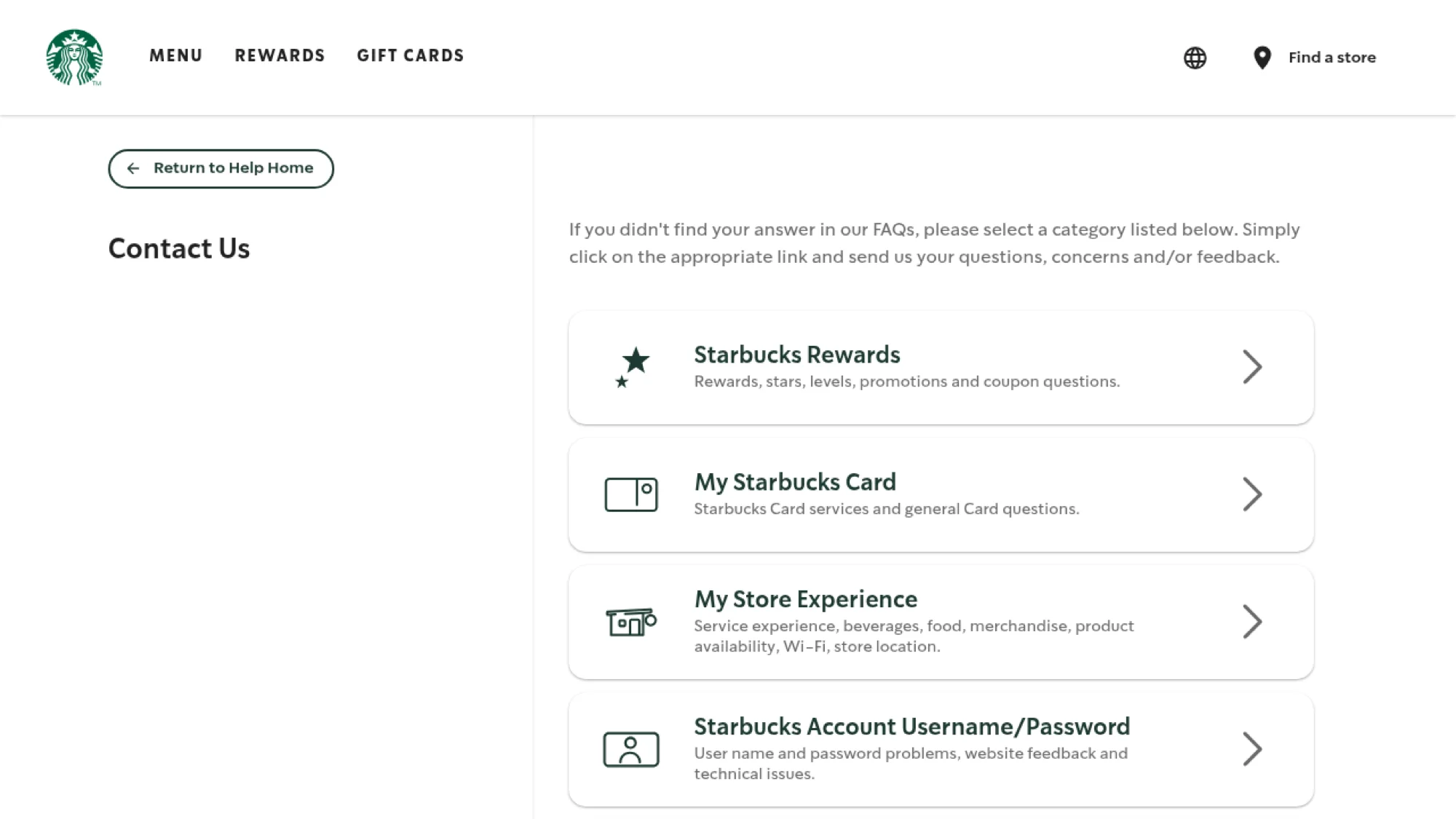
Starbucks offers three methods of contact when trying to close an account. You can call Starbucks at 1-800-782-7282 between 5:00 a.m. and 8:00 p.m. Pacific, seven days a week. Alternatively, the website and app provide a customer service chat feature. Chat services are available seven days a week, between 4:00 a.m. and 10:00 p.m. Pacific time. You can also contact Starbucks by email, via their Contact Us page.
What to Include When Talking to Starbucks Online
When contacting Starbucks, have a few personal details ready for the conversation. You’ll want to have the account holder’s name, date of birth, email address, and phone number available.
In addition, you may need to submit a death certificate to close the account. Ask the customer service representative what information you’ll need at the beginning of the call.
Speak directly and clearly to avoid confusing the representative. Tell them your name, tell them that you are calling to close an account for someone who has died, and give them that account holder's information.
Then say that you would like to deactivate the account permanently, and ask what other information is necessary. Always record the employee’s name, employee number, and conversation details. Also record any reference numbers or confirmation codes.
In Conclusion
Although it may seem trivial, closing out subscriptions and services after a loved one passes away is important. At Elayne, we understand that processing a loss can be mentally and physically exhausting. So we're here to help you navigate tasks like these, providing support and guidance to make this process as smooth as possible.
For more detailed guides on handling digital estate planning and other related concerns, visit our resources page. And if we can help you handle tasks like canceling membership accounts, please get in touch.
{{blog-cta-financial}}
FAQ
How do I close a Starbucks account if I don't have the login information?
Contact Starbucks customer service at 1-800-782-7282 or through their online chat feature. Have the account holder's name, email, date of birth, and phone number ready to provide. You may need to provide a death certificate to verify your request.
What happens to the money left on a Starbucks account after someone dies?
Any preloaded funds will be refunded to the account holder by check once the account is closed. However, any unclaimed rewards will be voided and cannot be transferred or redeemed.
Can I transfer my loved one's Starbucks rewards to another account?
No, Starbucks doesn't allow account transfers or reward sharing. All rewards earned will remain with the original account and will be lost when the account is deactivated.










.svg)